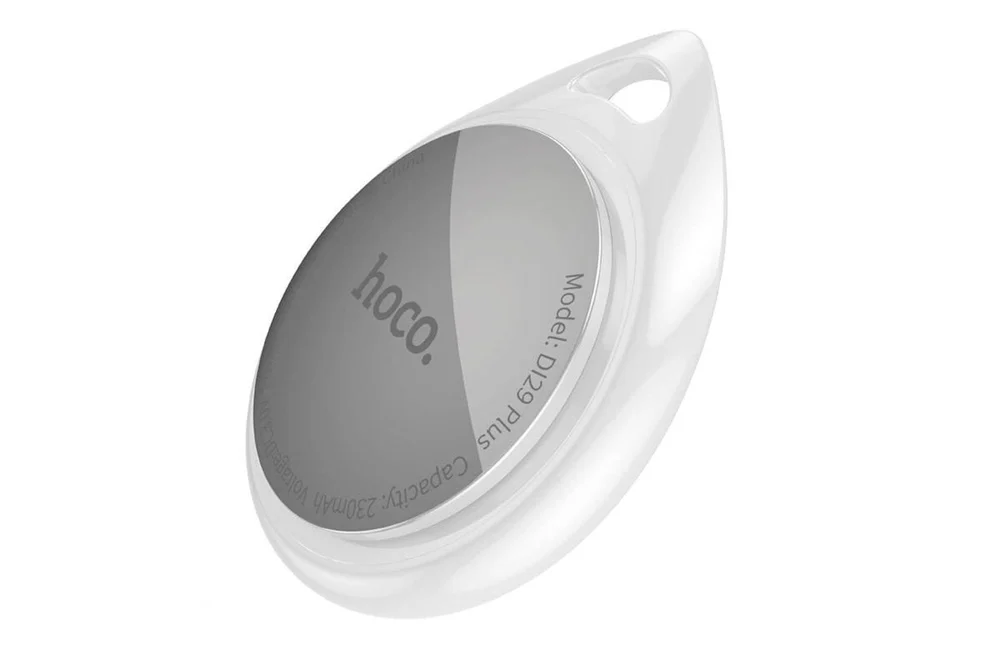
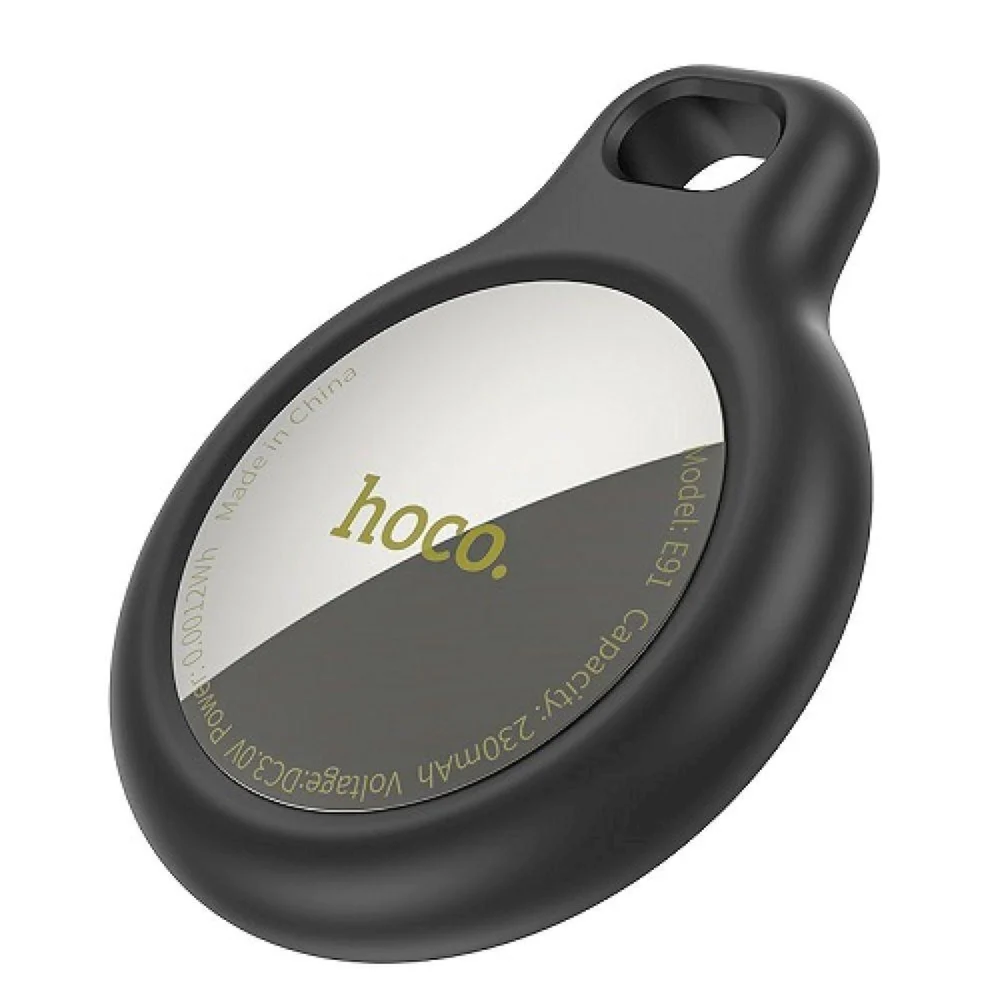
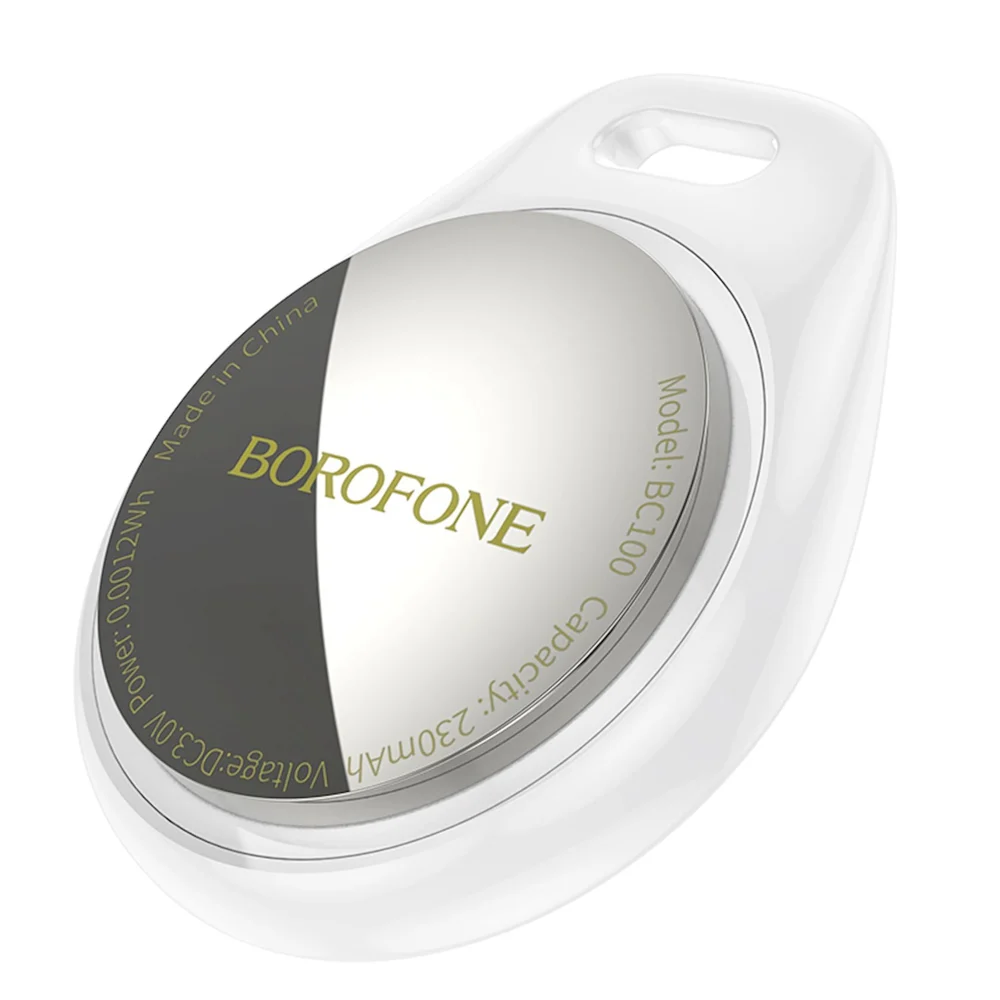
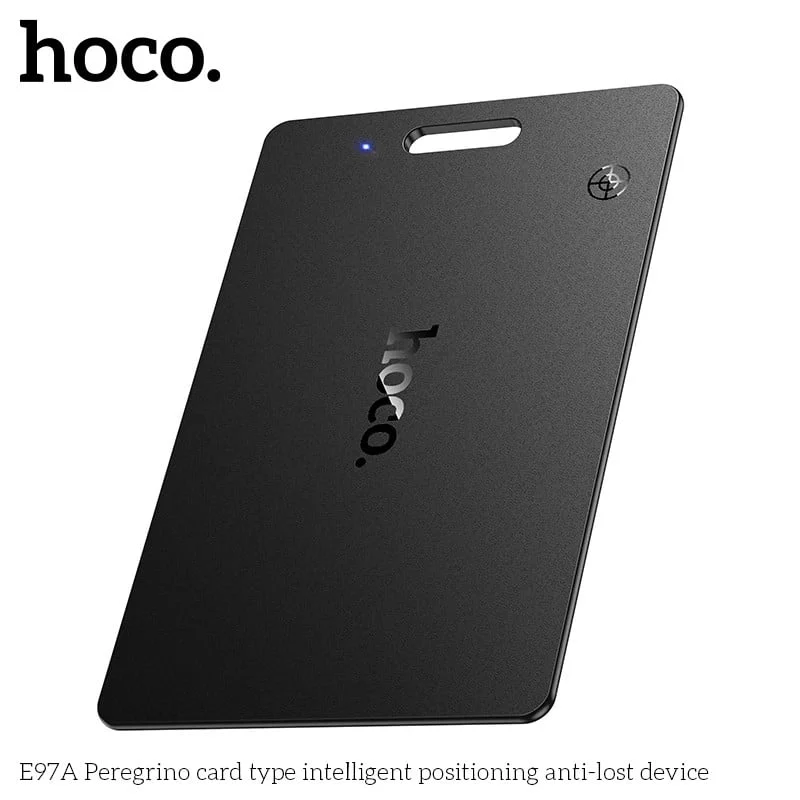
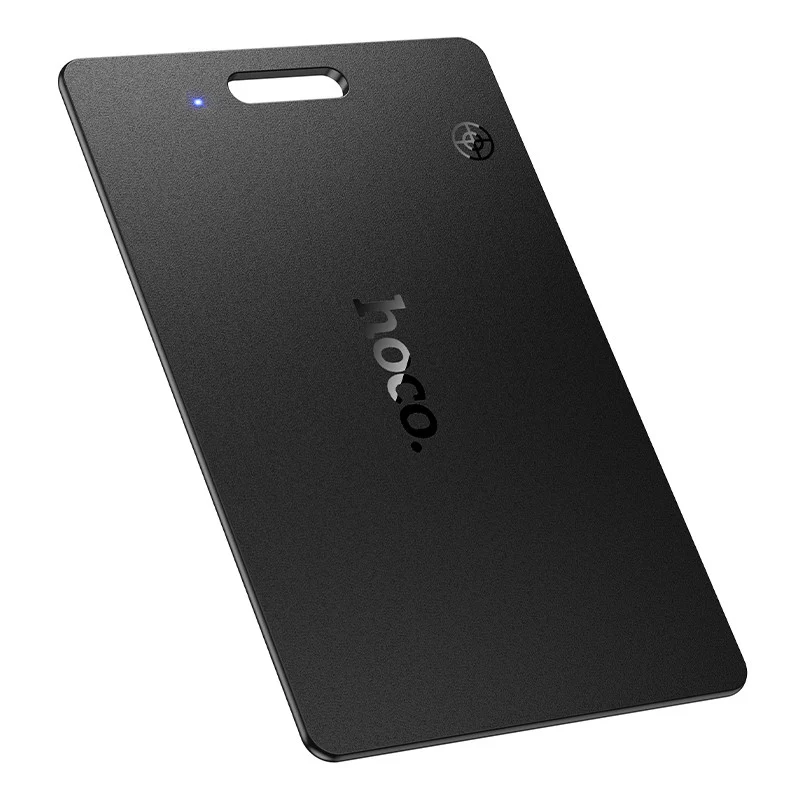
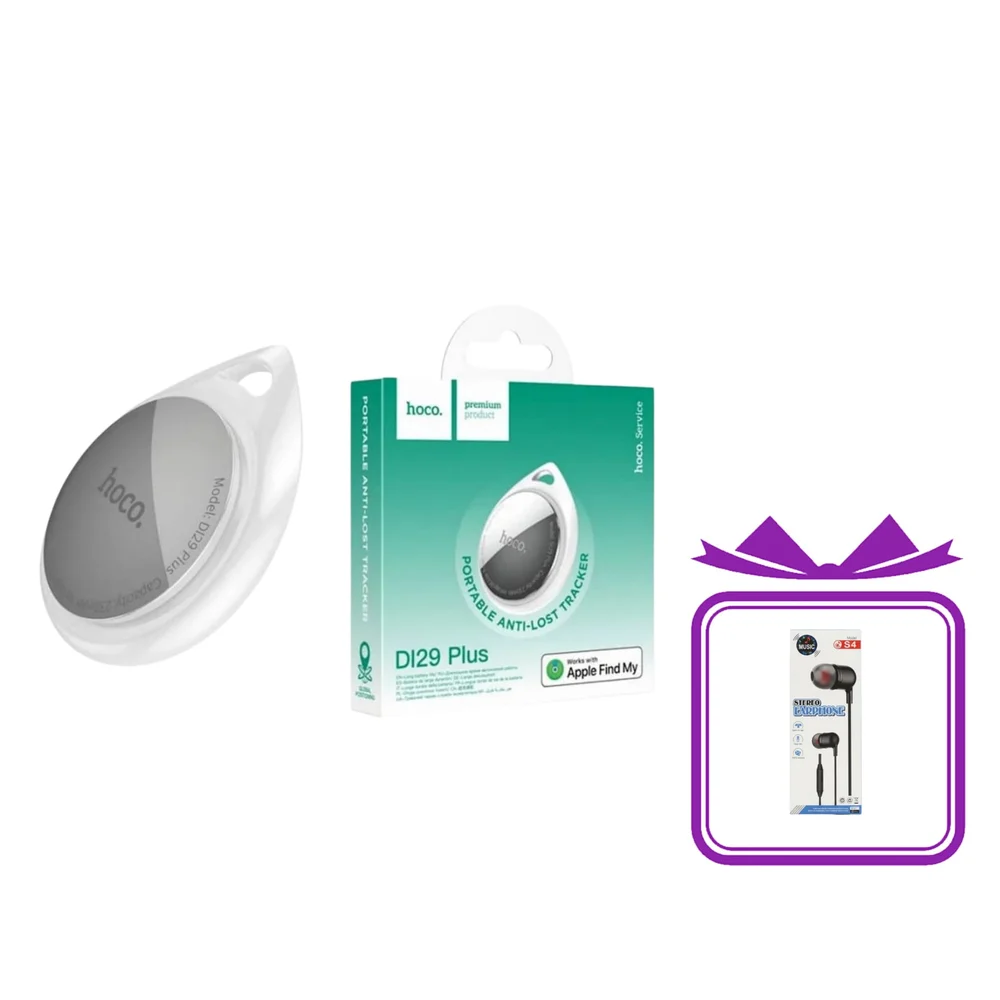
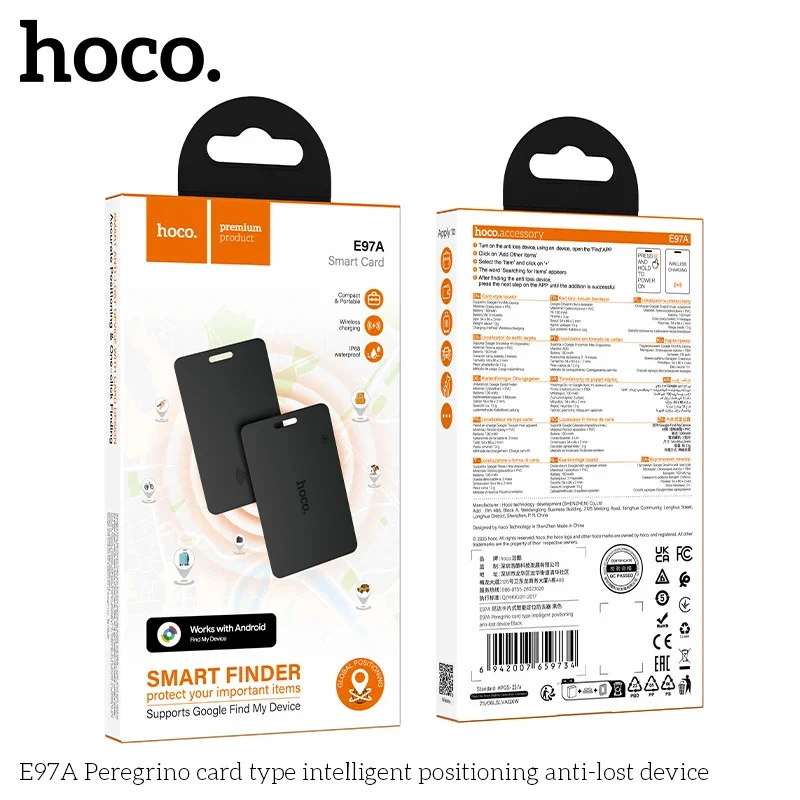
The Smart GPS Tracker HOCO E91 is a device used to track and secure your valuable items. You can use this device for keys, wallets, bags, backpacks, and other items that you wish to keep safe and secure.
Smart GPS Tracker HOCO E91 features:
It can be integrated with the "Locator" app, which allows you to easily track the location of your belongings on your iPhone or iPad.
The device is made of durable ABS plastic, ensuring its durability and stable operation.
The tracker measures 31/31/9 mm and weighs just 7 grams, making it lightweight and easy to carry.
It is powered by a 210 mAh/CR2032 button battery, which provides a battery life of 10-12 months.
The tracker is compatible with iPhone SE, iPhone 6s and later models running iOS 14.5 and later, as well as iPod touch (7th generation) and later, and iPad models including iPad Pro, iPad (5th generation and later), iPad Air 2 and later, and iPad mini 4 and later.
Smart GPS Tracker HOCO E91 functionalities:
1. Anti-loss function
An alert is sent automatically when the object moves a certain distance away from the connected device.
2. Location tracking function
You can view the object's location on the connected device (iPhone, iPad, MAC).
3. Reminder function
Press the "Play Sound" button in the "Find" app, and the object will emit a sound signal. (This function requires an unobstructed distance of 3 meters between the device and the object).
4. Battery replacement
The device is equipped with a CE2032 battery. To replace the battery, open the battery panel and pay attention to the positive and negative contacts (a battery typically lasts about 10-12 months).
5. Disconnection
Find the connected object in the app, press the "Delete Object" button, and the device will signal that it has been successfully deleted (this operation should be performed within a distance of 1 meter between the device and the connected object).
6. Power off
"Press and hold for 5 seconds" will emit two signals, indicating that the device has been powered off.
7. Factory reset
To restore factory settings, hold the button for 15 seconds until a long beep is heard, then release (once disconnected, the device can be connected to a new iPhone).